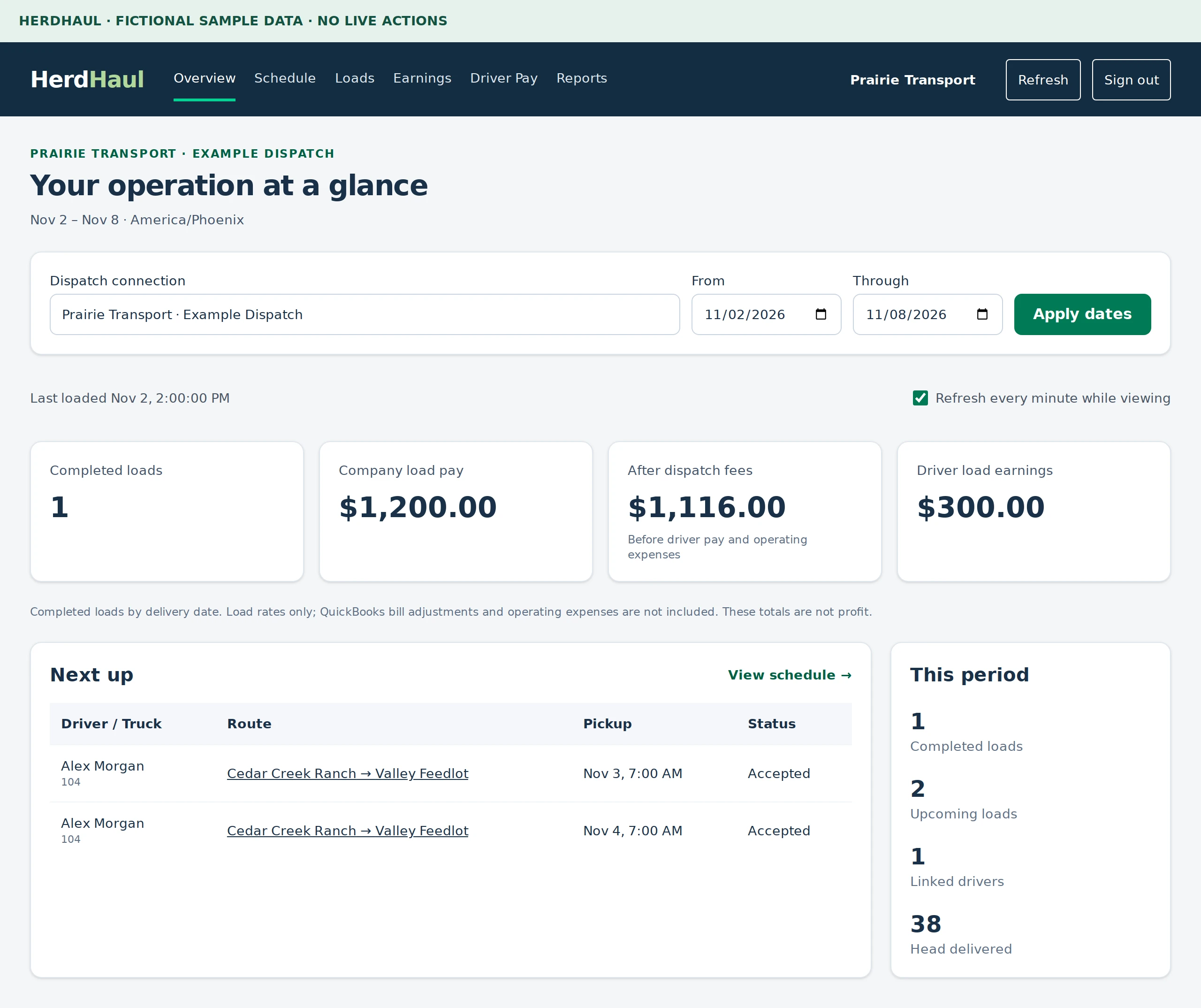
Sign in with the invited account. Confirm the carrier, dispatch connection and date range on Overview.
Choose the dispatch connection and date range. Available information depends on your access.Actual HerdHaul components with fictional sample data. Select the image to view full size.
2Check your fleet schedule
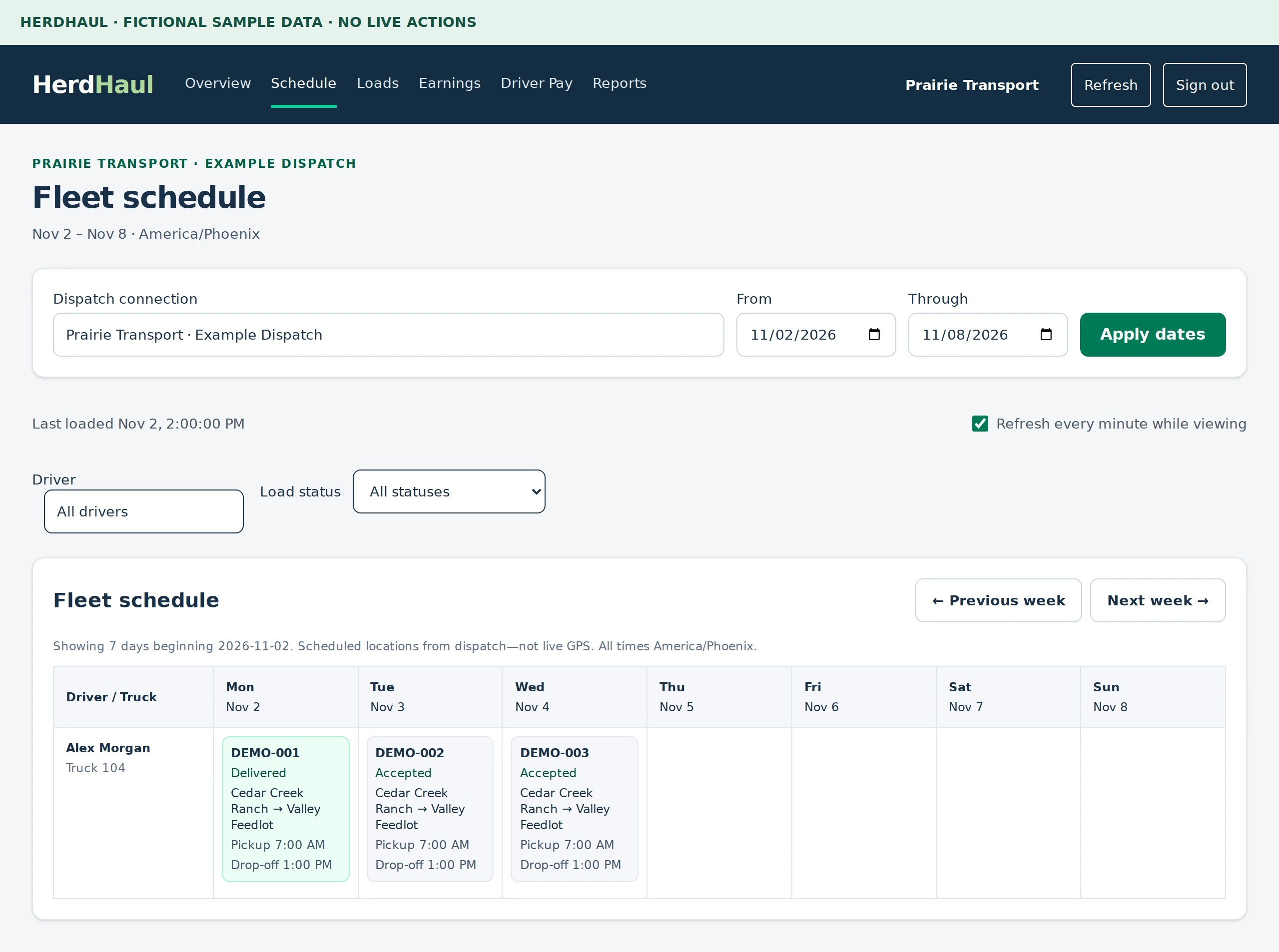
Open Schedule to see assigned work by driver and day. Open a load to review its details.
Use Schedule to find assigned loads by driver and day.Actual HerdHaul components with fictional sample data. Select the image to view full size.
3Review your loads
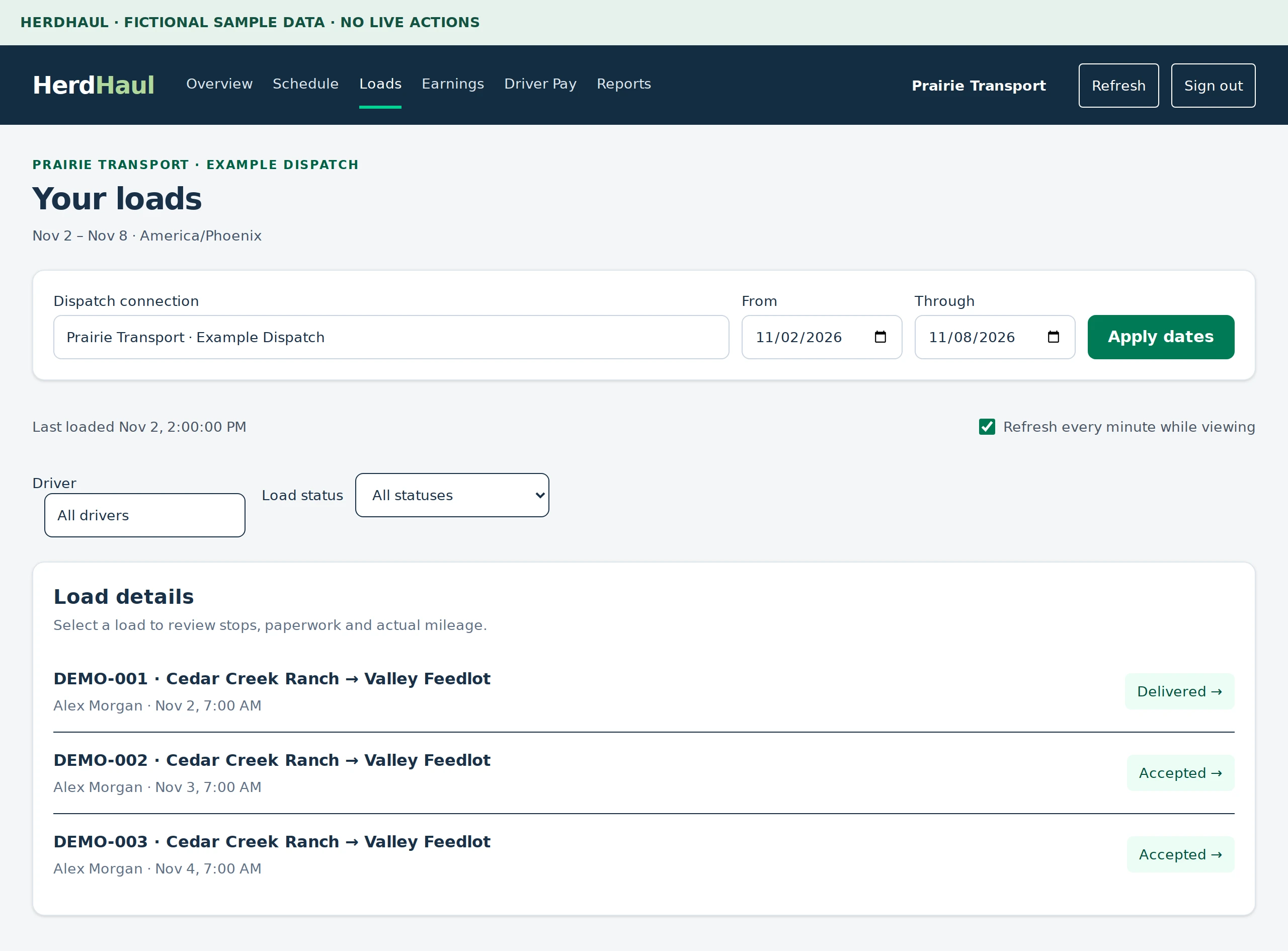
Open Loads and use driver or status filters to find the work you need. Verified owners also have financial pages such as Earnings and Driver Pay.
Use Loads to review status and open a load for more detail.Actual HerdHaul components with fictional sample data. Select the image to view full size.
 Herd