Offer trucks to a carrier
Quick reference guide
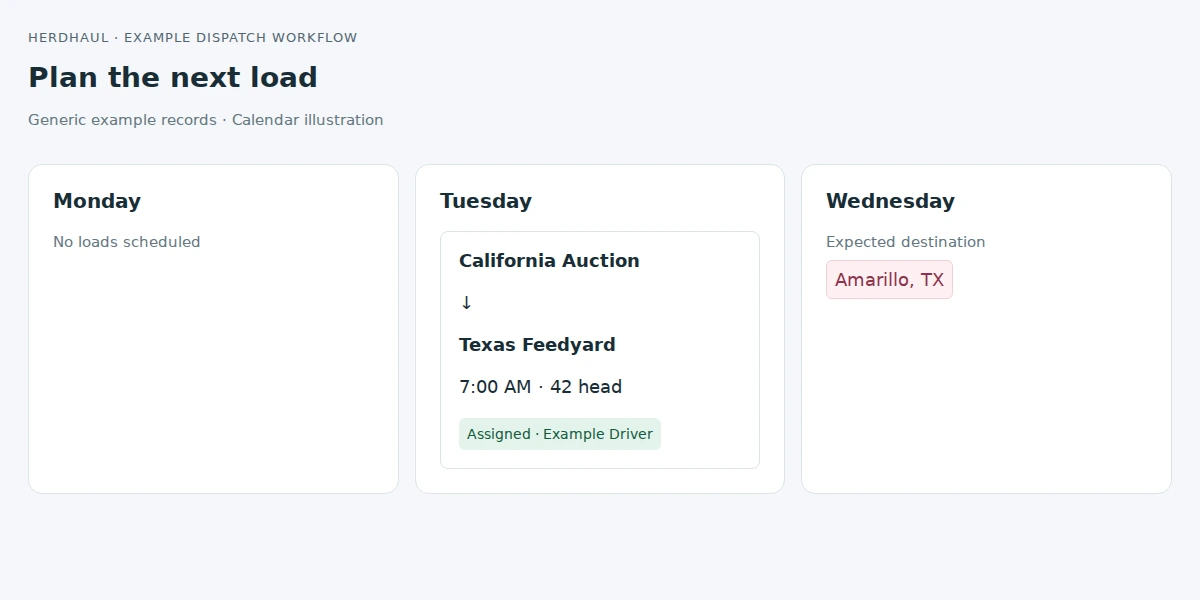
1Open the hauling day
Select the day or route in Schedule & Allocation to view the requirement and its available truck slots.
2Review the offer
Choose quantities, a carrier, a future expiry, and an optional agreed charge per truck. Click Review offer.
3Confirm and notify
Check the details and click Confirm offer. Contact the carrier separately and direct them to their authorized portal.